
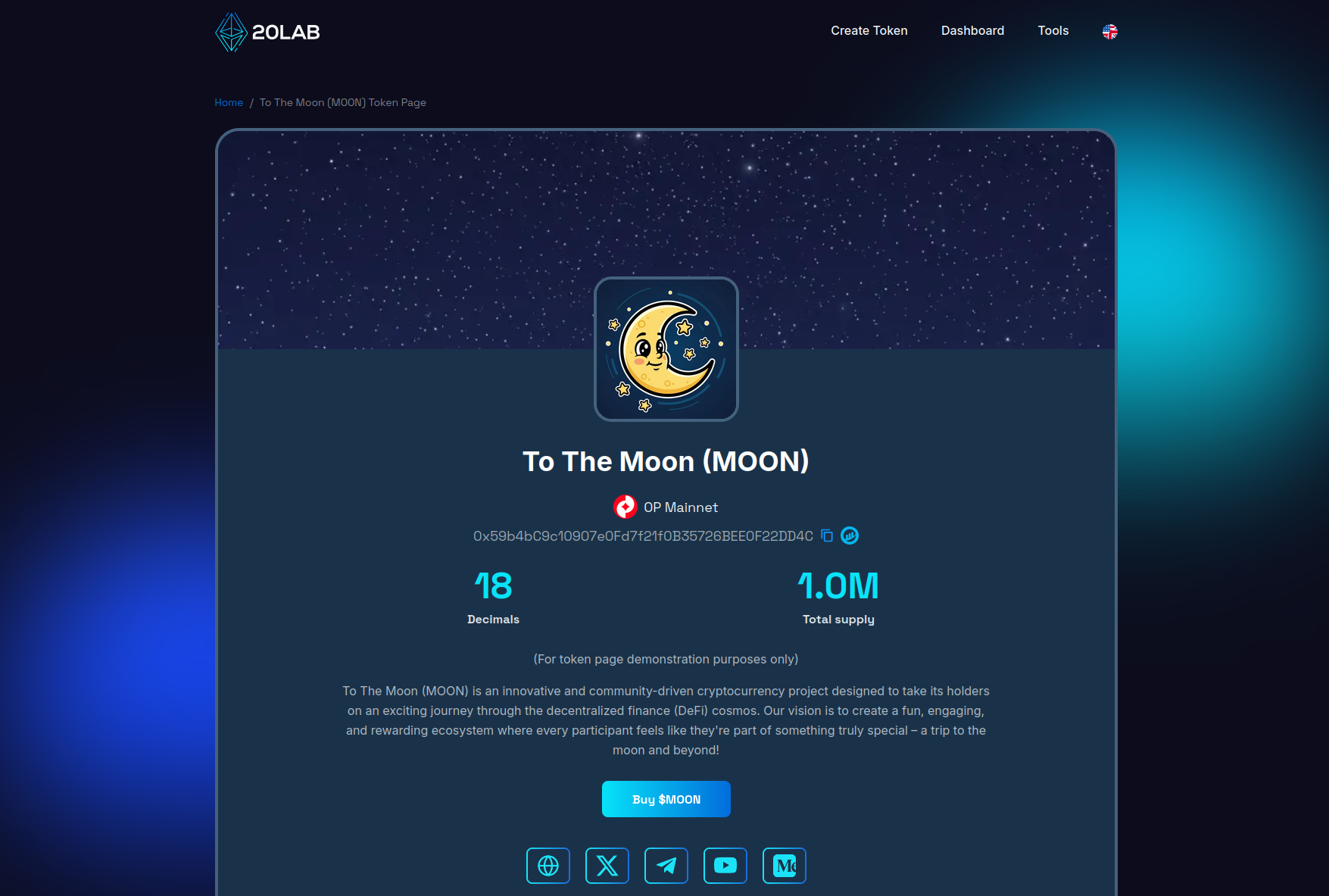
20lab's token page tool is an exciting new dedicated website generator that beautifully presents comprehensive information about your cryptocurrency token. It serves as the central hub where investors, users, and enthusiasts can discover everything they need to know about your token project.
Your token page becomes the official showcase for your cryptocurrency project. It's your first opportunity to make a great impression on your community, providing transparent information about your token, its utility, and your project's journey. For savvy investors, it's the trusted destination to verify a project's credibility before making investment decisions.
Step-by-Step Token Page Creation Process
Before you build your token page, you'll need a token ready to showcase. If you haven't created one yet, check out our easy-to-follow tutorials on creating tokens with 20lab, or jump straight into our intuitive token generator.
Finding the Token Page Section
Getting started is simple! The token page creator is conveniently available via your owner dashboard.
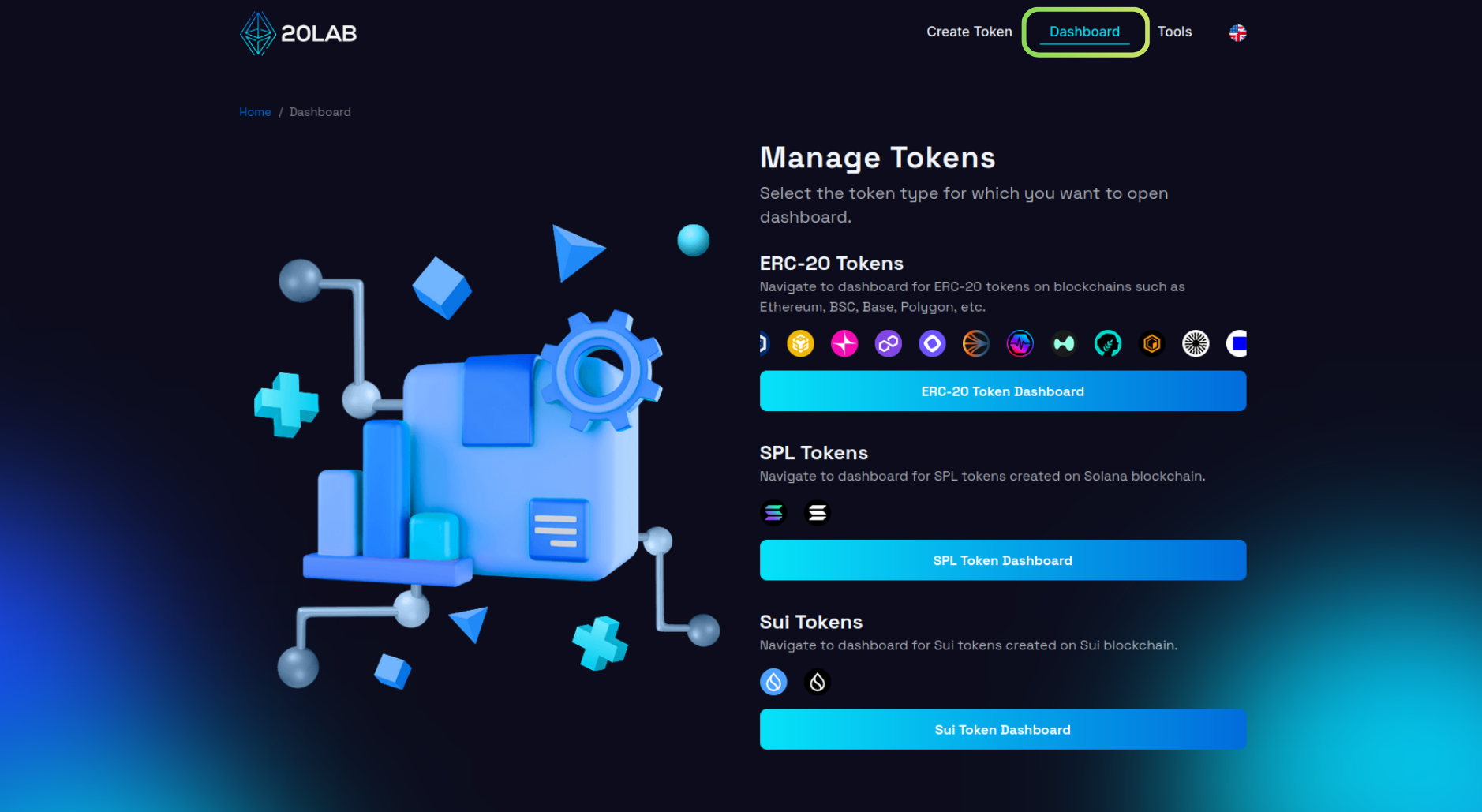
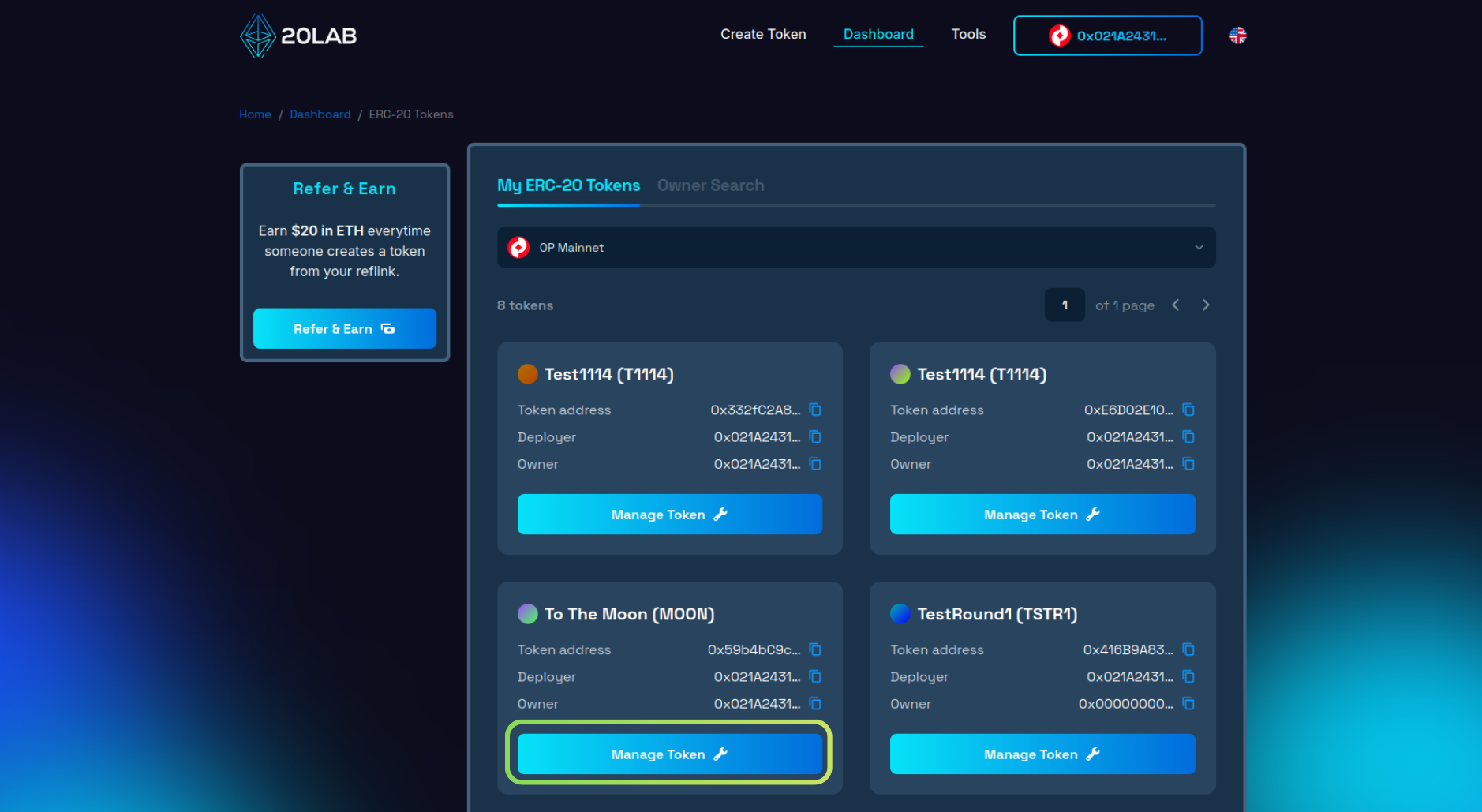
Select your token type, then choose the token you'd like to feature.
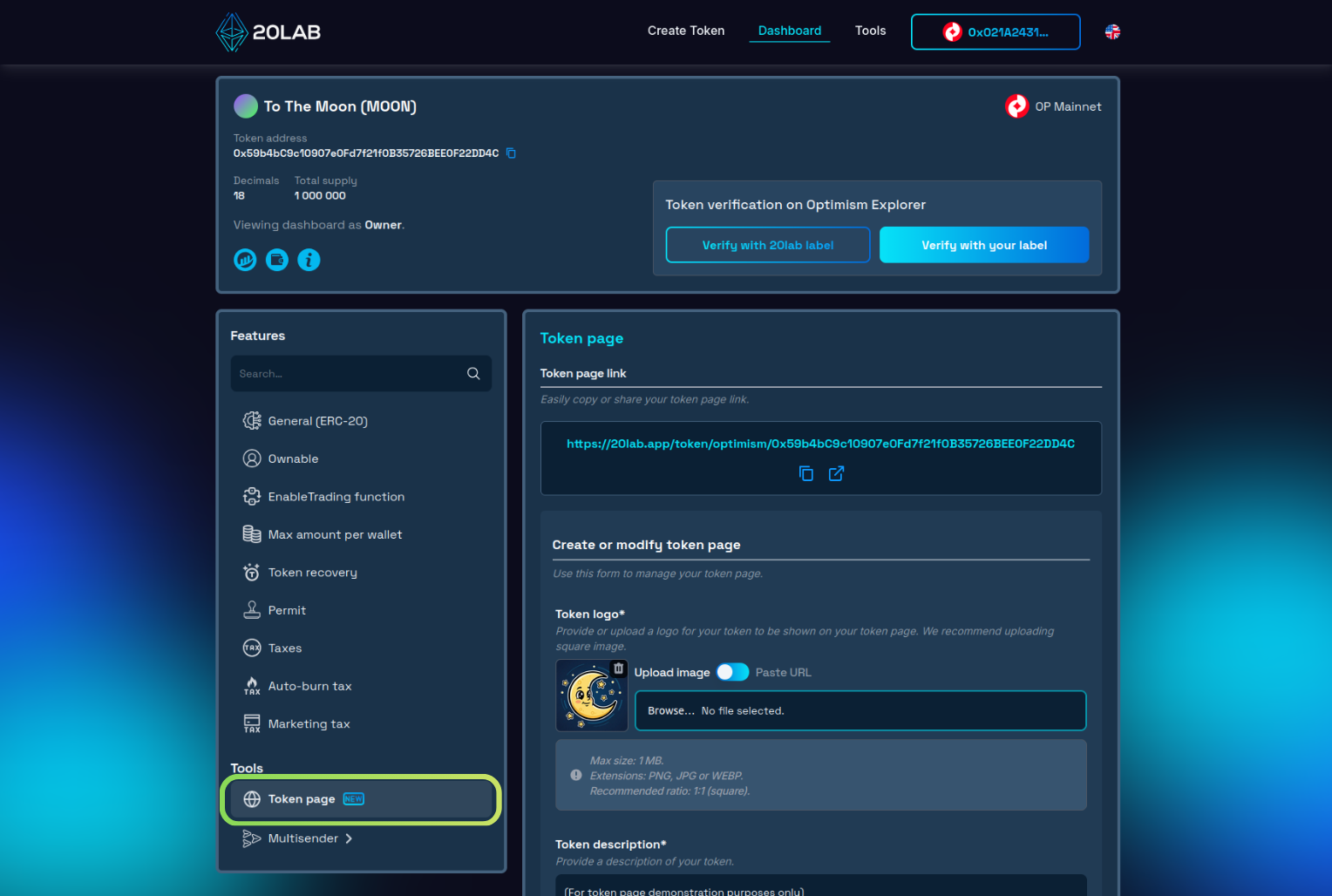
Start Creating Your Token Page
Navigate to the "Token page" section and let the magic begin! This powerful feature allows you to fully customize a stunning public page featuring your token information, contract details, and all your important links. The page seamlessly integrates with blockchain data, displaying real-time statistics and providing visitors with verified contract information they can trust.
Enter Complete Information About Your Project
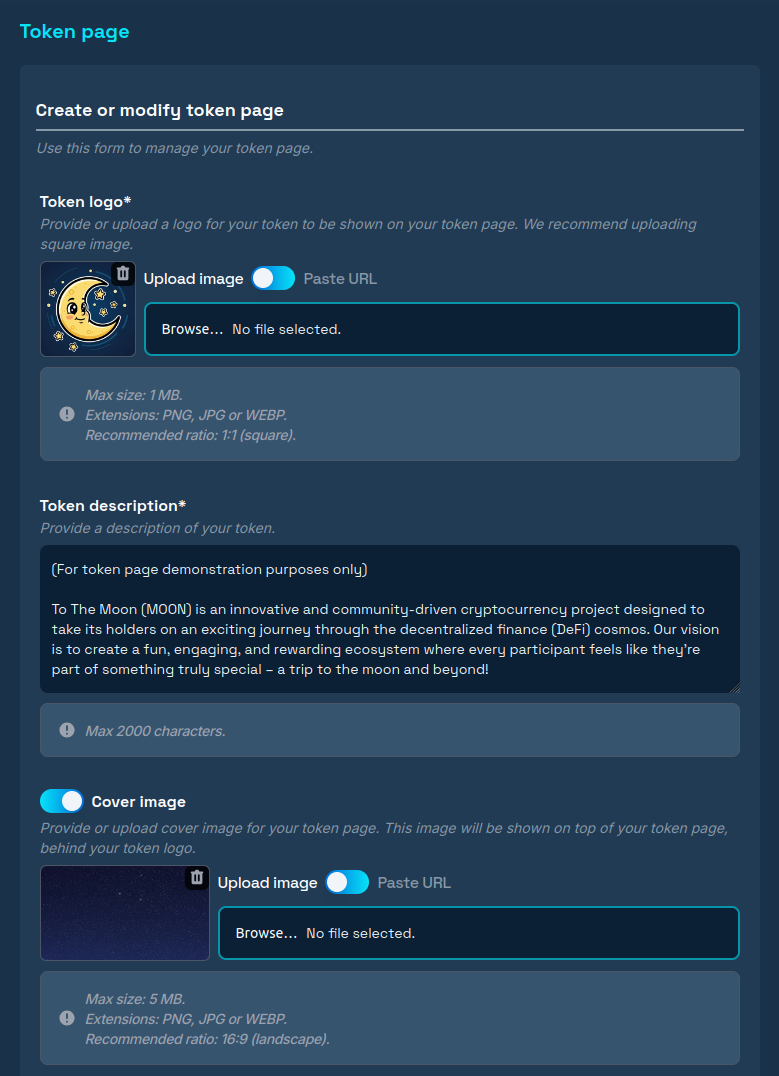
The first step is entering basic information about your token. This is where your project really comes to life! Upload your eye-catching token logo and a captivating background that will be prominently displayed at the top of your token page. You have flexible options: upload directly from your device or simply paste an image URL. Add a compelling description that showcases what your token represents, its unique utility, and its inspiring purpose.
Adding Links and Interactive Elements to Your Token Page
Call to Action Button
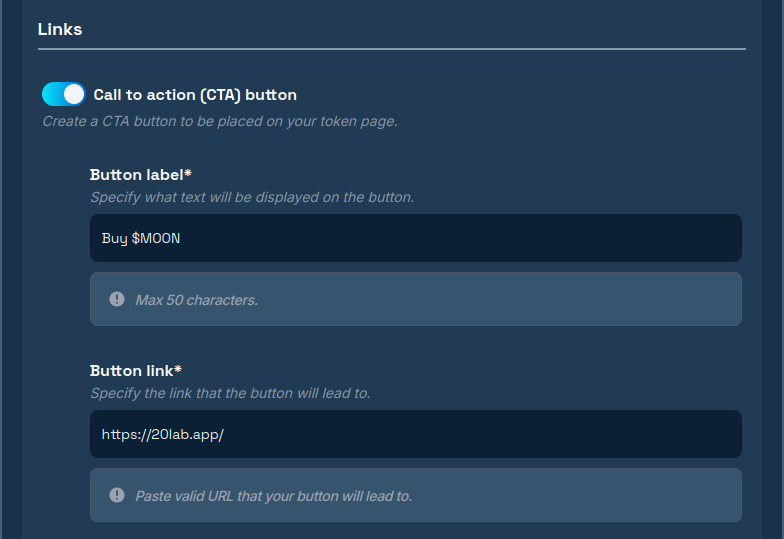
First up is the powerful Call to Action button - your gateway to driving engagement! This button guides visitors toward purchasing your token. Customize the text to match your project's voice, such as "Buy XYZ", "Join Presale", or "Explore Project", and link it directly to your project application or DEX page, such as Uniswap or Raydium.
Social Media Links
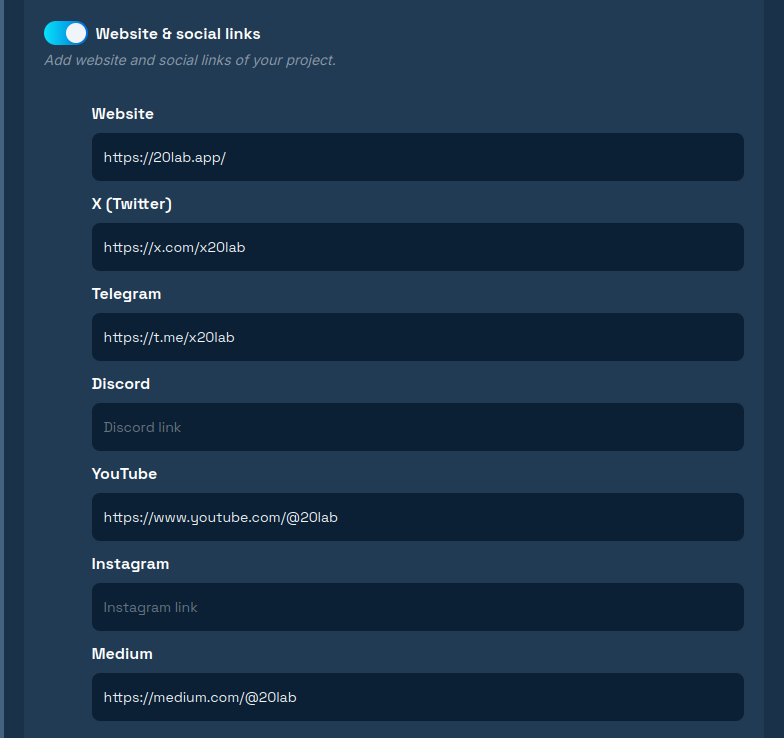
The Links section makes it effortless to add your official project links, which will appear as recognizable social media icons on your token page. Connect your community by adding links to your website, X (Twitter), Telegram, Medium, and many more platforms.
Promotional Video
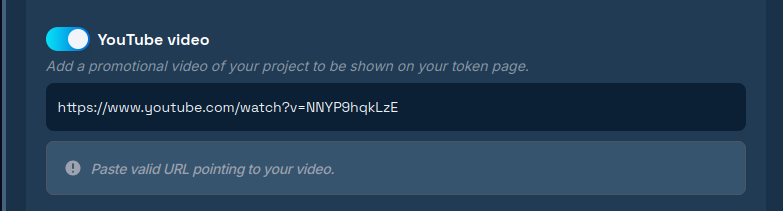
Want to make an even bigger impact? Add a promotional YouTube video that will be beautifully embedded directly on your token page - perfect for telling your project's story!
Tokenomics Configuration
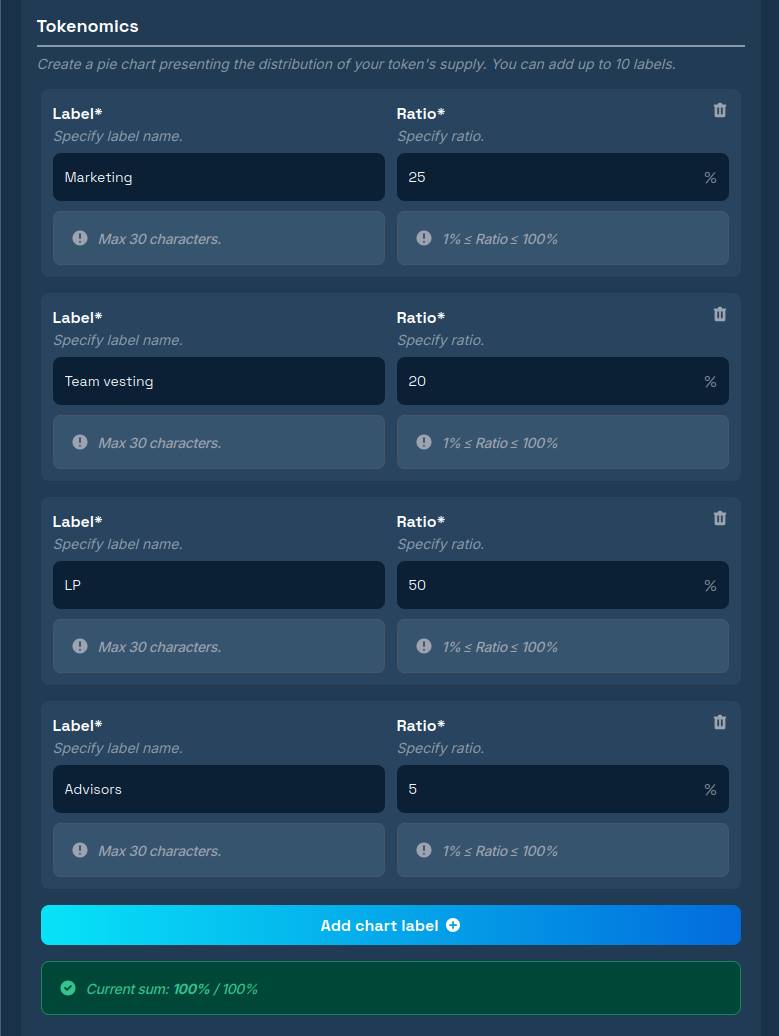
This is where you bring clarity to your project's structure! You can create a visually appealing pie chart that elegantly displays your total token supply distribution. Visitors will instantly understand how tokens are allocated across your project.
Add up to 10 different labels, each representing key distribution areas like Marketing, Team, Liquidity, and more. Just ensure your shares add up to 100%.
Features of Your Token
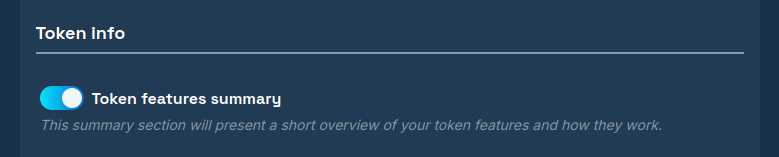
This section automatically highlights your token's functionality with a clear, concise description. The content is auto-generated based on the parameters you selected during token creation on 20lab, such as Anti-bot cooldown or Dividend tax - one less thing to worry about!
Token Project Team
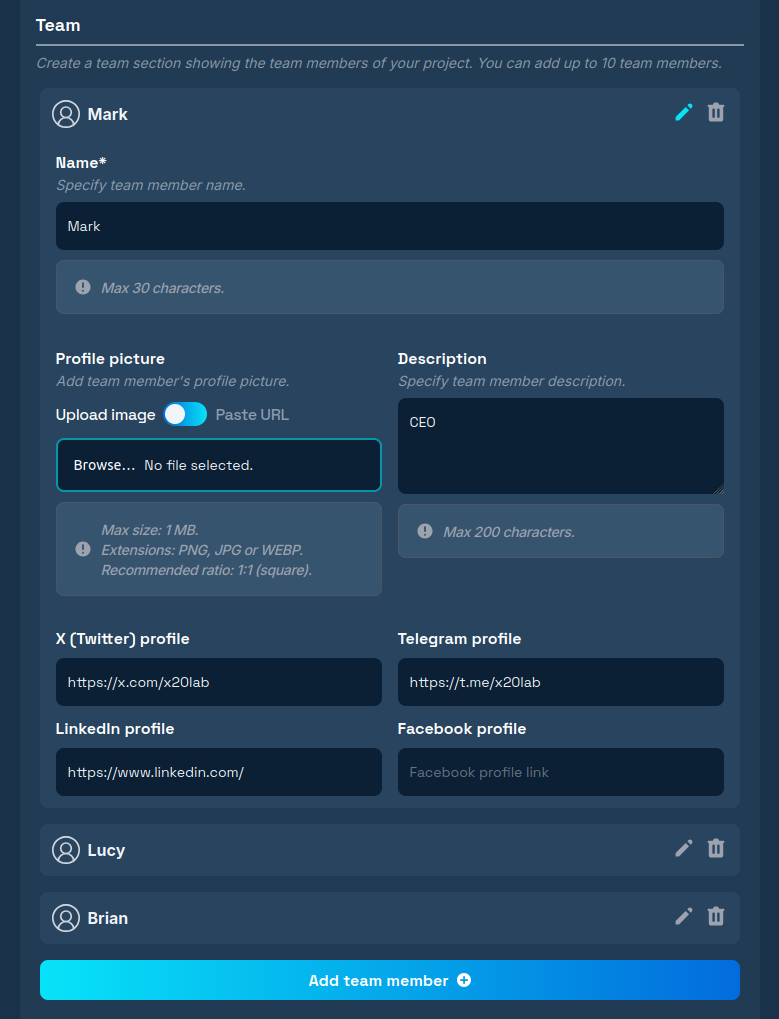
Build trust and credibility with the Team section! Showcase the talented individuals driving your project forward. Feature up to 10 team members, giving investors the transparency they appreciate.
For each member, add their name along with optional details like a professional profile photo, their role in the project, and links to their social media profiles.
Project Development Path
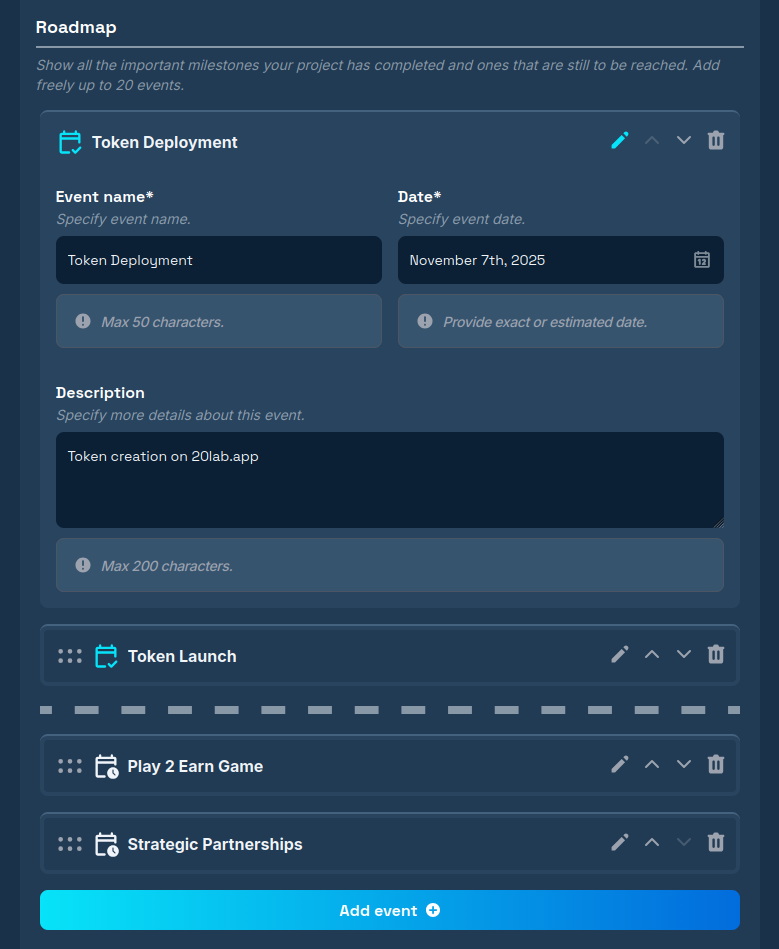
The Roadmap section is your chance to share your exciting journey! Present your project's development plan over time, highlighting both proud achievements and ambitious future milestones.
For each event, you can add a name, date, and description that clearly explains what will be accomplished. The intuitive drag-and-drop feature makes organization a breeze - simply place completed milestones above the dotted line and upcoming ones below it.
The Final Stretch
You're almost there! The last step is previewing your token page exactly as your community will see it after publication. This preview is just for your review - it won't save changes or publish anything yet. Once everything looks perfect, hit publish and share your professional token page with the world!
Conclusion
Your token page is much more than just a website - it's a comprehensive information center that bridges your blockchain project and its growing community. In today's landscape, where transparency and accessibility can make or break a cryptocurrency project, a professional token page isn't just nice to have - it's essential for any serious token.
Thanks to platforms like 20lab, even projects without advanced technical expertise can create a polished, professional token page in a few minutes. Your vision deserves to shine - and now it can!
If you have any questions, we are happy to assist you. Join our Telegram channel.


